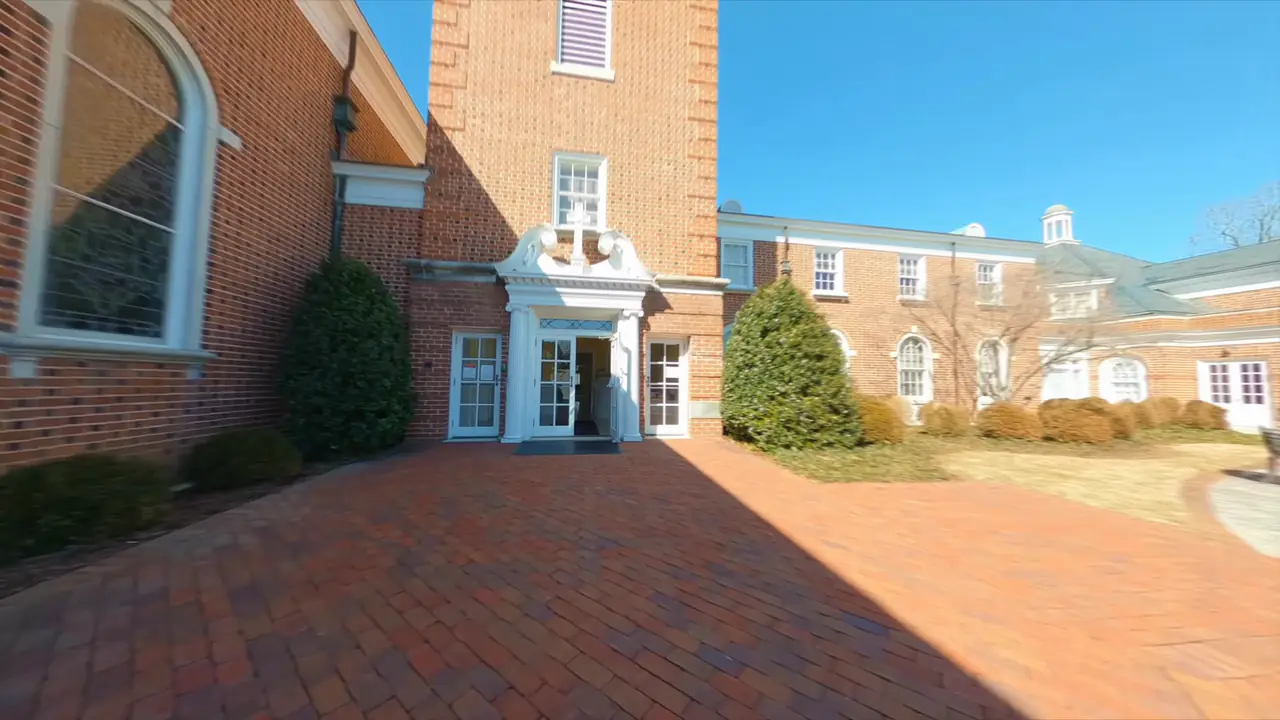
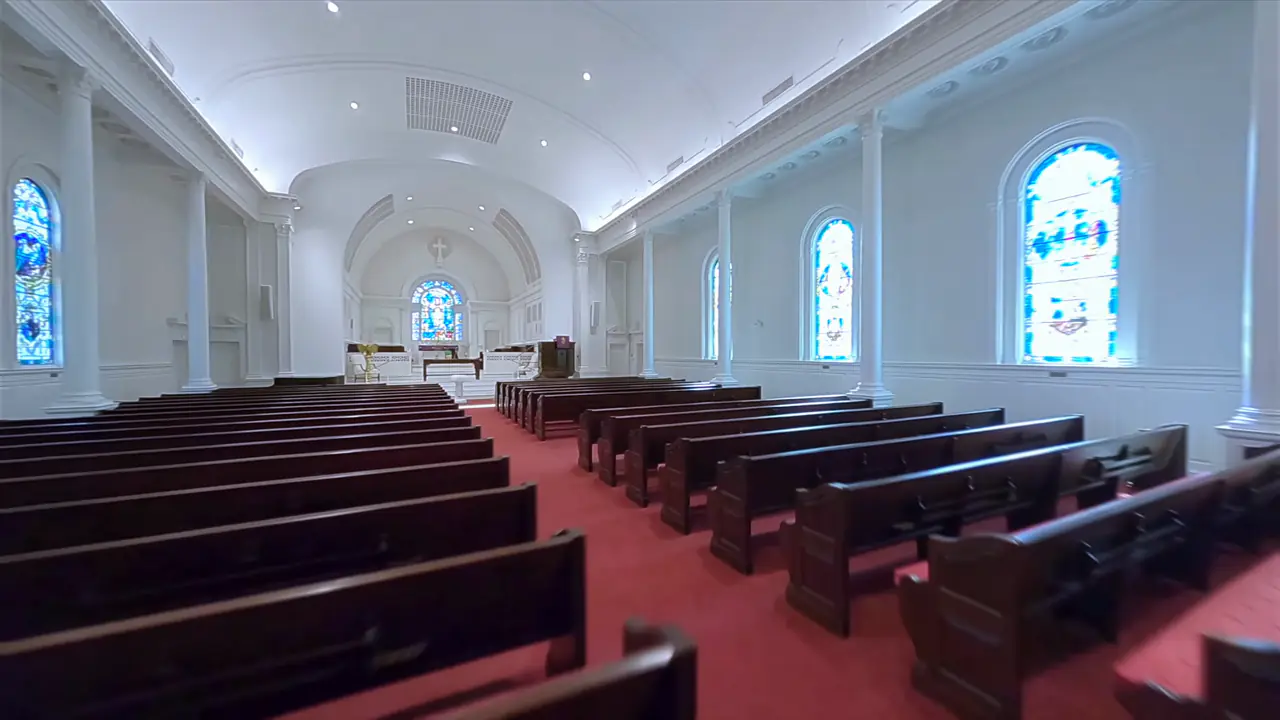
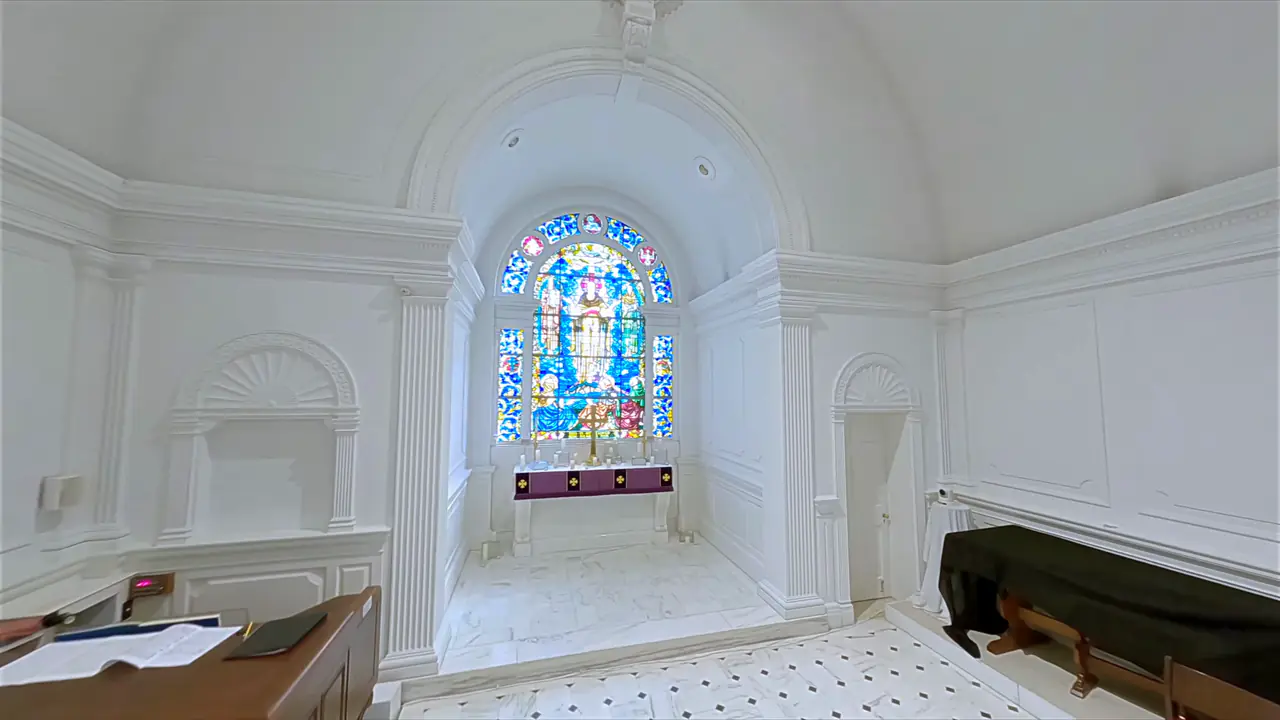
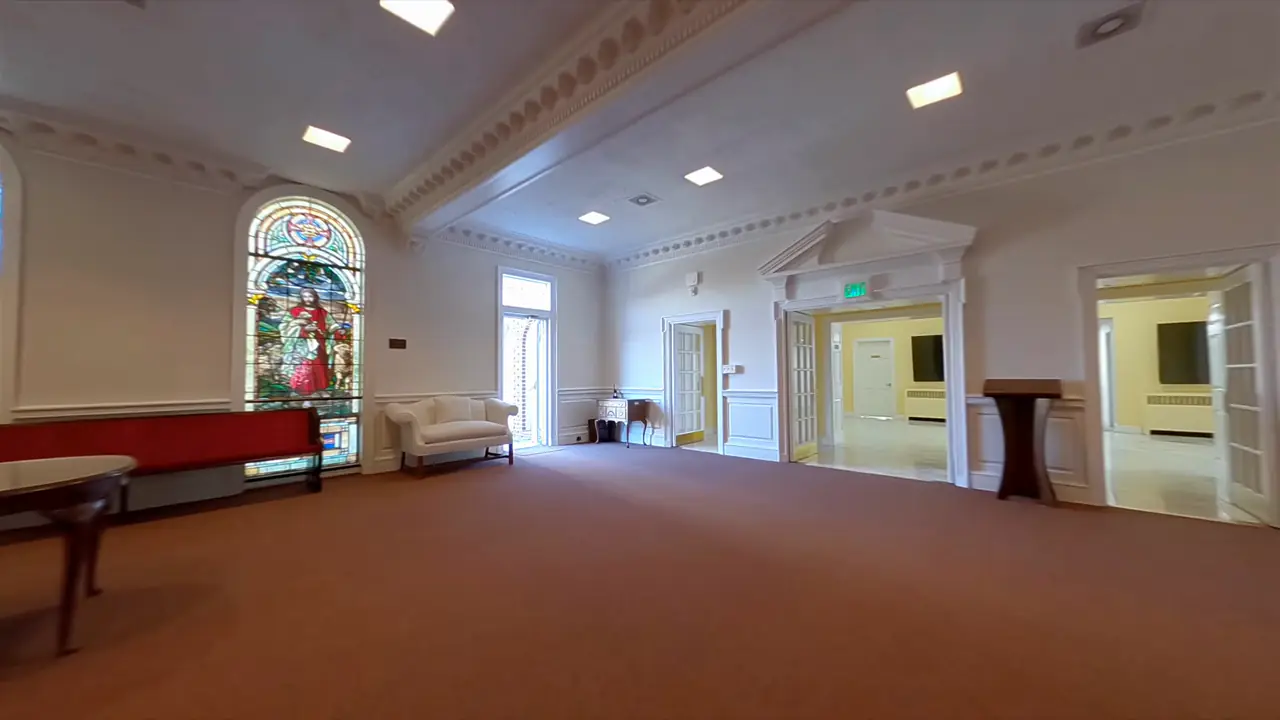
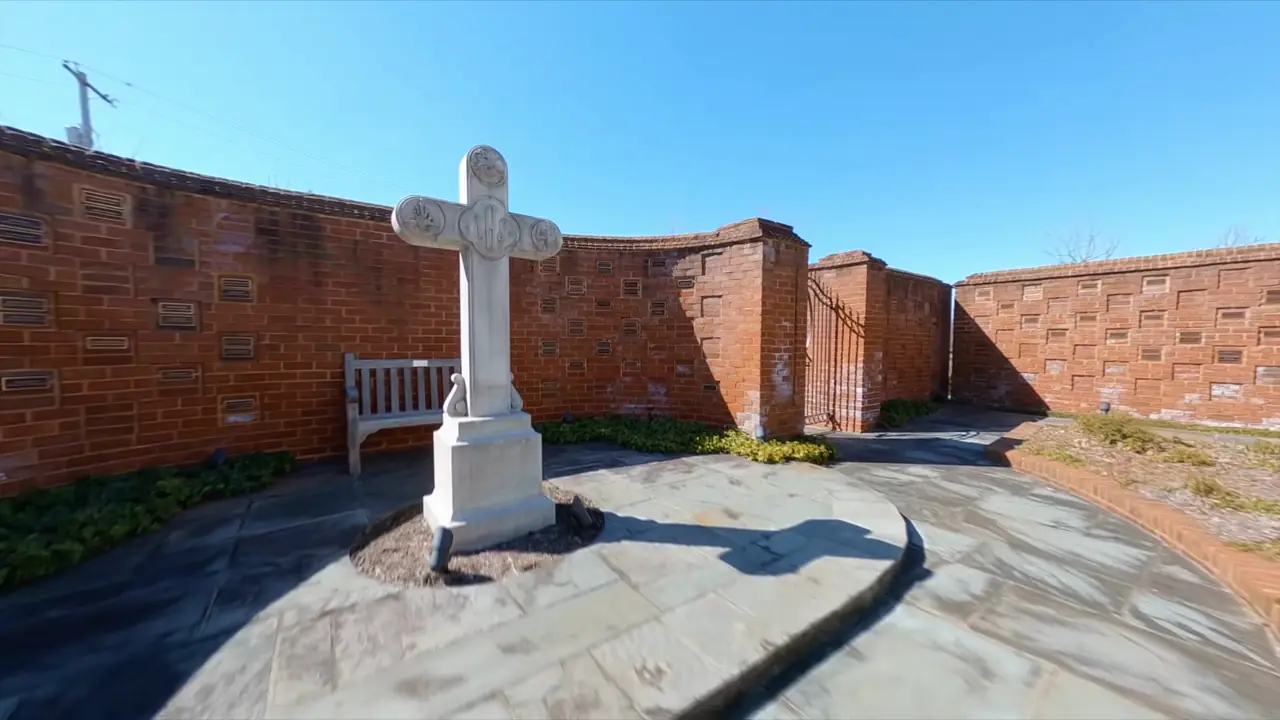
Made from one walk
Walk slowly through the building once, with a phone, a camera or a small drone. That one video becomes the whole tour: a sharp picture and a short story at each stop, and the real walk between them, so visitors always know where they are.
Pick a demoTwo demo tours
Both work on a phone, a tablet or a computer. Open one on your phone to get the real feel.


How it works
Film one walk. Choose the stops. Put up a code. The tools make the pictures, the walks, the close-ups and the voice.
-
Film one walk
Walk slowly through the building with a phone, a camera or a small drone. Go forward, towards each thing you want to show.
-
Choose the stops
Pick the places to pause and write a short story for each one.
-
Put up a code
Visitors scan it at the door, or open the link at home. The tour is a web page, so it opens at once.
What visitors get
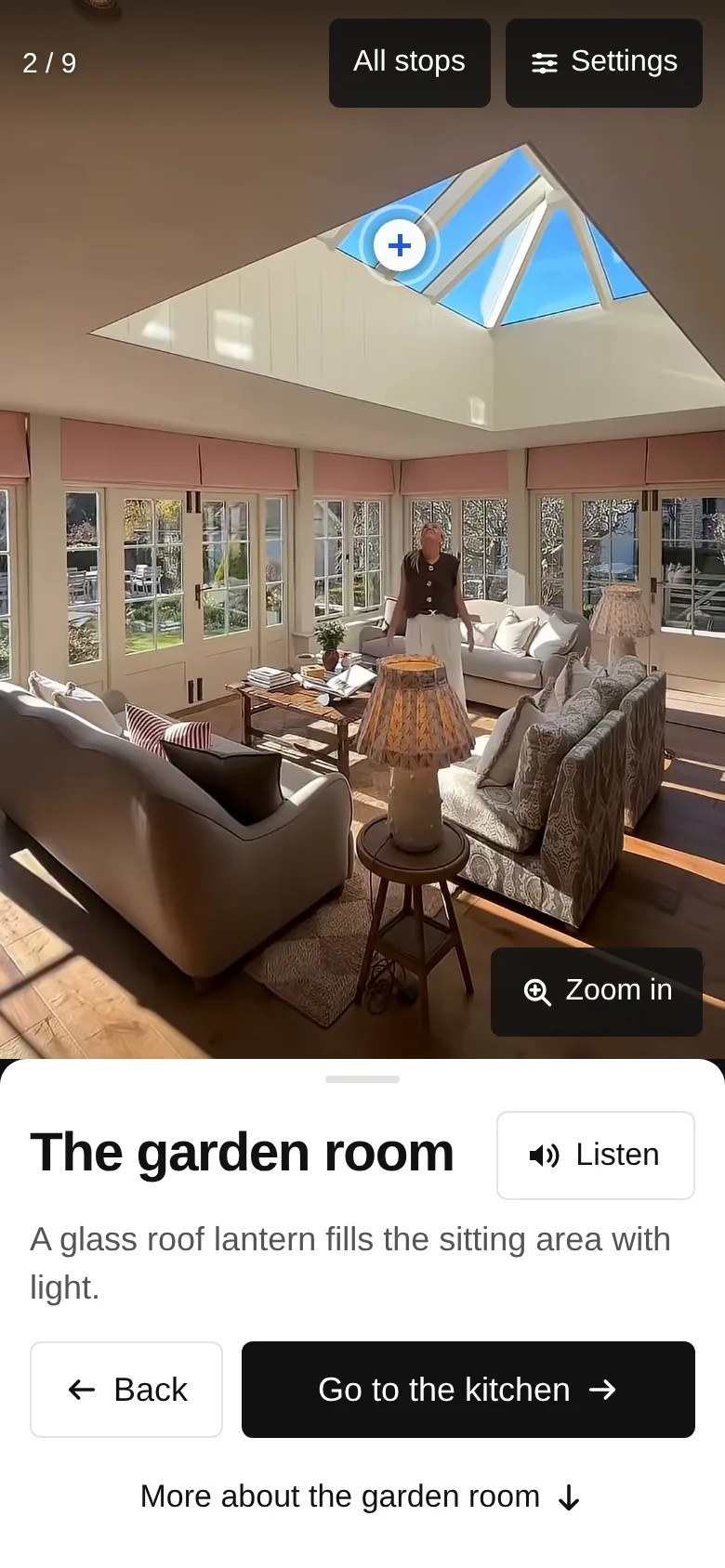
At each stop
- A real walk between stops
- A short video moves them to the next place, so they always know where they are. They can choose slow, normal, fast or no walks.
- A sharp picture
- Every stop shows the clearest frame of the video. The build checks for blur and stops if a picture is not sharp.
- Listen
- A natural voice reads each stop out loud. The words light up as they are read, so it is easy to follow along.
- Look closer
- Tap a spot on the picture to see a large close-up of a window, a carving or a plaque, with its own short story.
- Then and now
- Drag across the picture to compare an old photo from the archive with the same place today.
For every visitor
- Many languages
- The tour opens in the phone's own language when the tour has it. The words, the buttons and the voice all change.
- Easy to use
- Big buttons, three text sizes and clear contrast. It works with screen readers, and it stops the motion for people who turn motion off.
- Short or full tour
- Visitors choose a short tour or the full one at the start. "All stops" lets them go straight to any place.
- Plan your visit
- Opening times, how to get in and what is there, in one place, from the start and the end of the tour.
Behind thick stone walls
- Works with no signal
- A few seconds after it opens, the tour saves itself on the phone. A weak signal does not stop it.
- Fast on any connection
- It picks smaller files for slow connections and never makes anyone wait for a walk. The whole house tour is about 3 MB on a phone.
Simple to run
- No app. It is a web page. Visitors do not install, sign up or log in.
- No server to look after. The tour is a set of plain files. Free hosting is enough, on your own web address.
- Easy to change. All the words are in one text file. Fix a date or add a language without filming again.
- Private by default. No tracking and no adverts.
- A way to give. The last stop can show a short note and a link to your own giving page, when the visitor has just seen what it pays for.

See it for yourself.
The best way to judge it is on a phone, standing up, the way a visitor will.